
Learn how to build negative keyword lists, find irrelevant searches, and improve PPC targeting while reducing wasted ad spend with practical examples and tips. Running a PPC campaign is not simply about finding keywords that can bring potential customers to your website.
It is equally important to understand which searches you do not want your ads to appear for and when you run a PPC campaign, choosing the right keywords is only half the job. You also need to make sure your ads are not appearing for searches that have nothing to do with what you sell.
This is where negative keyword lists become valuable and help you tell advertising platforms which words or phrases should be excluded from your targeting, allowing you to focus your budget on searches that are more relevant to your business.
What Are Negative Keyword Lists?
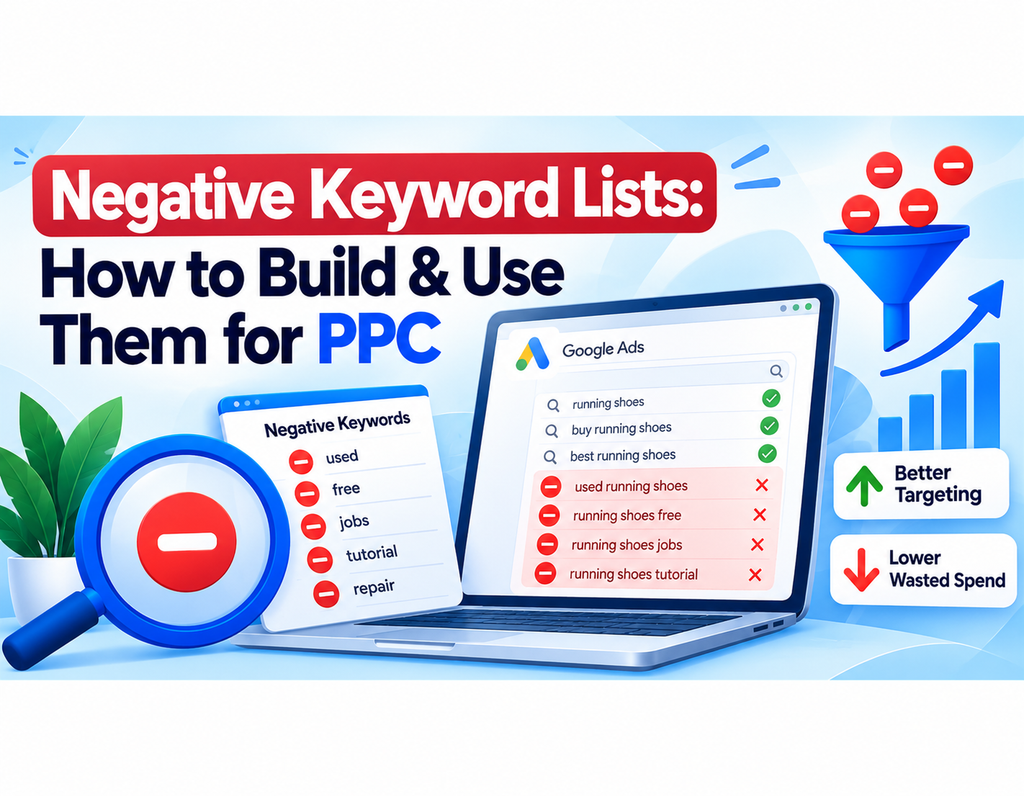
Negative keywords are words or phrases that prevent your ads from being triggered by unwanted searches. For example, imagine you sell new running shoes. Someone searching for “used running shoes” may not be interested in buying a new pair from your store.
Similarly, searches such as “running shoe repair” or “running shoe jobs” may have completely different intent. You could identify terms such as used, repair, or jobs as potential exclusions. The important point is that you should not exclude a word simply because it looks unrelated.
Why Are Negative Keyword Lists Important?
PPC advertising can attract a wide range of searches, even when your target keywords appear highly relevant. Someone searching for a product may actually be looking for a free alternative, a tutorial, a job, a used version, or information rather than a product to purchase. A carefully prepared negative keyword list helps filter out these unwanted searches.
For example, a company selling paid accounting software might review searches such as:
- accounting software free
- accounting software jobs
- accounting software course
- accounting software tutorial
- accounting software download
Some of these searches may be irrelevant to a software subscription campaign, while others could still have commercial value. That is why every exclusion should be reviewed according to your own business model.
How to Build a Negative Keyword Lists
Creating a useful list does not require guessing hundreds of words. Start with your actual campaign data and work from there.
1. Understand Your Target Audience
First, define exactly who you want to reach and what you offer.
Ask yourself:
- What products or services do I sell?
- Which customers are most valuable?
- Which types of searches are clearly unrelated?
- Do I sell new, used, free, or premium products?
- Do I want informational traffic or only buyers?
A clear understanding of your audience makes negative keyword lists research much easier.
2. Review Search Terms
Your advertising account can provide some of the best ideas for negative keywords. Look at actual search queries that triggered your ads and identify searches that do not match your offer. For example, a web design agency might discover searches such as:
- web design jobs
- web design course
- free website builder
- DIY website design
- web design tutorial
If the agency only wants customers looking to hire a professional, these searches may deserve further investigation as exclusions.
3. Group Similar Terms
Instead of maintaining one huge list, organize related negative keywords into groups. Common categories include:
- Jobs: jobs, careers, salary, vacancy
- Free resources: free, download, template
- Education: course, training, tutorial, certification
- Used products: used, second hand, pre-owned
- DIY: DIY, repair, how to fix, instructions
This makes your PPC negative keywords easier to manage and reuse.
Negative Keyword Match Types
Negative keyword lists matching is different from normal keyword matching, so it is important to understand the behavior of the advertising platform you are using. Google Ads supports negative keyword matching options that can be used to control which searches are excluded. Google Ads Help: Negative keywords
A more specific negative keyword can help you exclude a particular search while reducing the risk of blocking other potentially useful queries. For example, if you only want to exclude searches specifically related to “accounting course,” a more targeted exclusion may be preferable to simply blocking the word “accounting.”
Negative Keyword Lists Examples
Imagine you operate an online store selling new office furniture, then your target keywords might include:
- office chairs
- ergonomic office chairs
- office desks
- computer desks
During your research, you might discover searches such as:
- office chair repair
- free office chair
- used office chairs
- office furniture jobs
- office chair DIY
Depending on your business, some of these could become negative keywords. However, if you also sell refurbished furniture, excluding “used” could remove potentially valuable customers. The right decision depends on your inventory and audience.
How to Use Negative Keywords in PPC Campaigns
Once you have researched your exclusions, review each one before adding it to your campaign and check whether the keyword
- genuinely represents unwanted intent
- could appear in a valuable search
- belongs at campaign or ad-group level
- could conflict with one of your target keywords
A negative keyword that is too broad can prevent your ads from appearing for searches that could actually convert. For larger campaigns, creating reusable negative keyword lists can save time. You might maintain separate lists for employment searches, free resources, education, used products, or other recurring categories.
How MergeKeywords Can Help
Creating large keyword combinations manually can take considerable time, especially when you need to generate variations for several campaigns. MergeKeywords.com can make this process easier by combining groups of words into keyword combinations.
For example, you could combine:
- List A: free, cheap, used
- List B: running shoes, hiking shoes, football shoes
The resulting combinations could include:
- free running shoes
- cheap running shoes
- used running shoes
- free hiking shoes
- cheap hiking shoes
- used hiking shoes
You can then review the generated keyword list and decide which combinations are actually relevant as negative keyword lists. The tool handles the repetitive combination work; your own business knowledge determines which terms should ultimately be excluded.
Common Negative Keyword Mistakes
One of the biggest mistakes is assuming that more negative keywords automatically mean better PPC performance. Overly aggressive exclusions can remove valuable traffic. Another common mistake is copying a negative keyword list from another business without checking it.
A term that is irrelevant to an e-commerce store could be extremely valuable to a course provider or service business. It is also important to review your search terms regularly. Customer search behavior changes over time, and new irrelevant queries can appear as your campaign collects more data.
Final Thoughts
Effective PPC targeting is not only about finding searches you want. It is also about identifying searches you do not want. A well-researched negative keyword list can help you filter irrelevant traffic, improve campaign organization, and make your advertising budget more focused.
Start with real search-term data, group related exclusions, check every keyword for possible conflicts, and update your lists as your campaigns develop. And when you need to generate large numbers of keyword combinations, MergeKeywords.com can help make the repetitive part of the process faster and easier.
The goal is not to create the biggest negative keyword list possible. The goal is to create a smart list that removes irrelevant intent without blocking valuable customers.